Empower Retirement Login – Sign In to Manage 401(k) & IRA Accounts

POINTS
-
Empower Retirement lets users manage 401(k), IRA, and investment accounts online.
-
The official Empower login page helps protect users from phishing scams and fake sign in sites.
-
Empower may use multi factor authentication to improve account security.
-
Users can recover forgotten usernames or reset passwords directly from the login page.
-
The Empower mobile app allows secure access to retirement accounts on mobile devices.
-
Most login issues can be fixed by clearing browser cache, updating the app, or resetting credentials.
Empower Retirement Login is the secure portal used by participants to access workplace retirement plans administered by Empower, including 401(k), 403(b), and 457 accounts.
It provides account holders with a central dashboard to view balances, track investment performance, and manage plan details tied to employer-sponsored savings.
Official Empower Login Portals
Empower does not use a single universal login page for every account type. Different users access different portals.
Here are the primary official login websites.
Logging Into Your Empower Workplace Retirement Account
For most users, this is the primary login experience.
If your employer offers an Empower-managed retirement plan, this is typically where you’ll access your:
- account balance,
- investment elections,
- contribution percentages,
- beneficiary information,
- and retirement planning tools.
Step 1: Go To The Official Participant Portal
Some employers use customized Empower login pages, but the standard participant portal remains the most common entry point.
Step 2: Enter Your Credentials
Now, you need to sign in with your
- username + password
- or username + PIN
It depends on the plan configuration.
If your employer uses Single Sign-On (SSO), you may instead access Empower through your company’s HR or payroll portal.
For example, some companies integrate Empower access directly into:
- Okta,
- ADP,
- Justworks,
- or internal benefits systems.
In these cases, your employer credentials may authenticate you automatically.
Step 3: Complete Multi-Factor Authentication (MFA)
Like most financial institutions today, Empower uses additional security verification for many logins.
Usually, it is verified via these:
- text message verification codes,
- phone call verification,
- email verification,
- or mobile app authentication.
I have seen this issue pop up a few times, and here’s how it usually works for me. If you log in from a new browser, clear your cookies or switch devices, Empower may require re-verification.
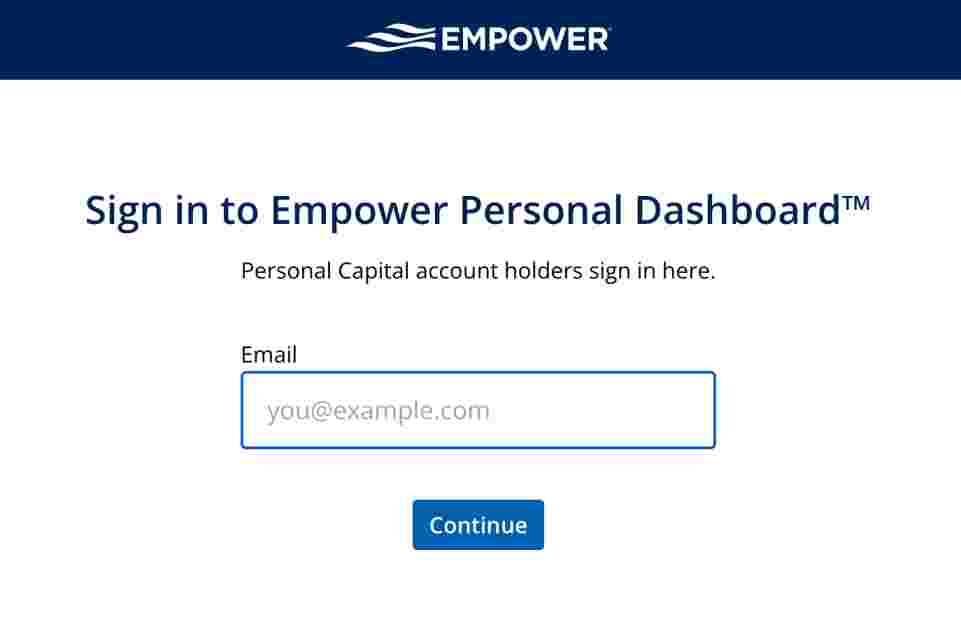
Empower Personal Dashboard Login
Source: Empower
The Personal Dashboard platform is different from workplace retirement accounts.
This platform focuses more on:
- budgeting,
- net worth tracking,
- investment analysis,
- and financial planning tools.
The platform then aggregates everything into a centralized financial dashboard.
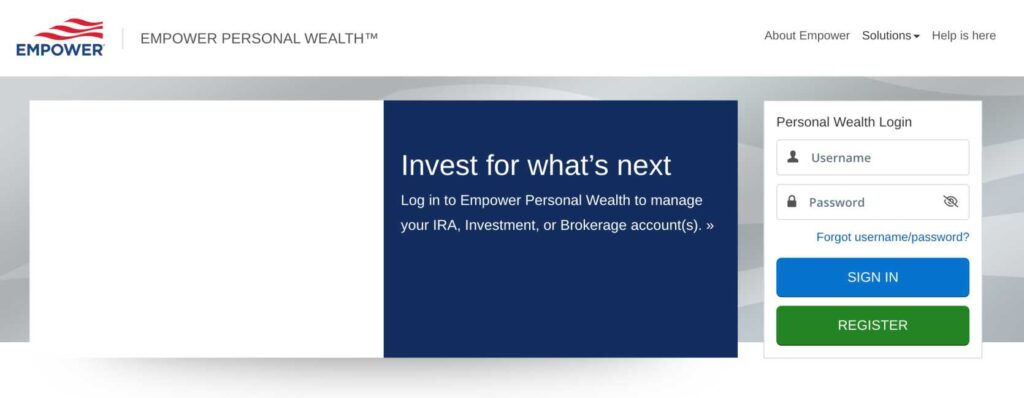
Empower IRA And Brokerage Account Login
Users with standalone IRAs or brokerage accounts use a different portal entirely.
Source: Empower
This applies primarily to rollover IRAs, traditional IRAs, Roth IRAs, and non-workplace investment accounts.
The login process is similar to the participant portal but uses a separate account system.
Forgot Password / PIN
- Click “Forgot Password” or “Forgot PIN”
- Enter your username
- Verify your identity
- Complete MFA or security questions
- Create a new password
Forgot Username
- Click “Forgot Username”
- Enter identifying information
- Complete verification
- Retrieve username access
Empower Mobile App Login
Empower also offers a mobile app for iPhone and Android devices.
The app allows users to:
- monitor balances,
- adjust investments,
- track spending,
- review retirement progress,
- and access linked accounts.
Empower also operates the Personal Dashboard platform, formerly known as Personal Capital, which allows users to track investments, net worth, budgeting, and retirement goals.